PEXAProperty Exchange Australia
Category : User Experience Design
Tools : Figma, Slack, Miro, Jira
Role : User research, Journey mapping, Wire-framing, Testing & Accessibility, Visual design, Concept design
Product
The PEXA platform assists lawyers, conveyancers and financial institutions to lodge documents with Land Registries and complete financial settlements electronically. Most work shown here was for their UK venture in 2022-25.
Users
Conveyancers and Banks located in the UK and Wales

Frequently used accountsFeature
Problem
Users were required to manually enter account details every time they created a workspace. This often led to data entry errors, mismatched account information, and ultimately, delayed or cancelled settlements; resulting in money leaking on cancelation fees.
Solution
Introduced a way to save financial details common to all the company's workspaces, allowing all users to access a dropdown list of saved accounts.
Results
This resolved all errors on inputs for already saved accounts and resulted in 30% less input errors overall.
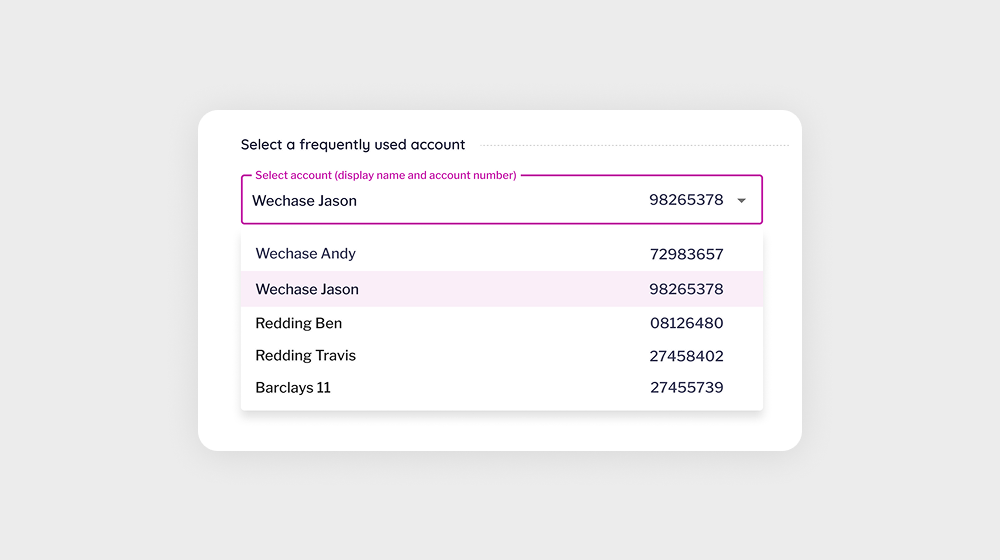
Saved accounts dropdown
A search dropdown holds all the saved financial accounts and their details, reducing any input errors; resulting in smooth transactions.
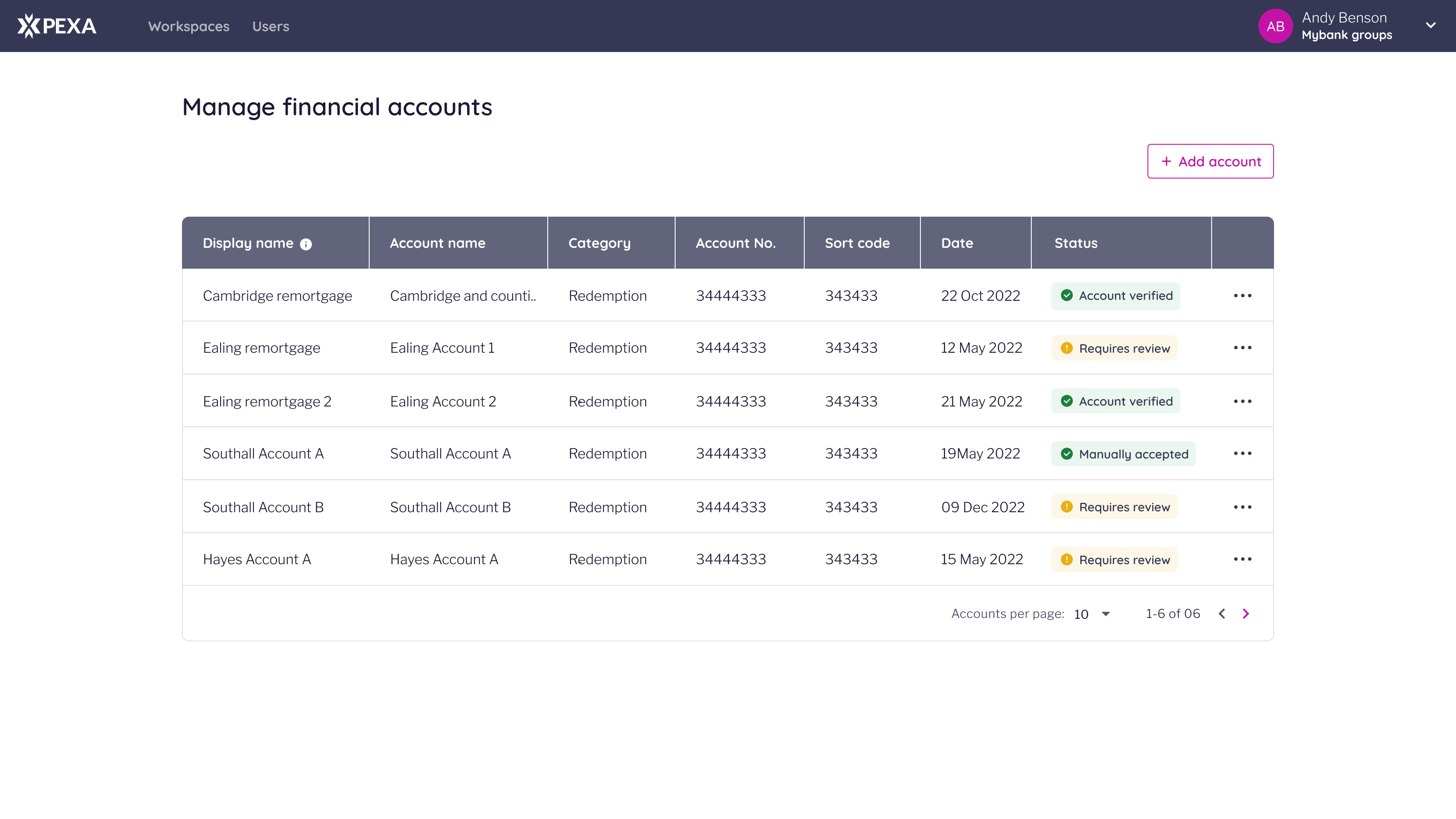
Account management portal
A place to add, edit & remove financial accounts. Only available to certain admin roles.
Developer PortalPlatform
Premise
The PEXA platform required a dedicated home for its API offering, enabling prospective and existing customers to explore and evaluate APIs before integrating them into their workflows. The research - launch timeline was 3 weeks.
Problem
There was no public-facing developer portal. Customers had to contact the PEXA team directly to discover available APIs, creating friction and limiting accessibility within a constrained delivery window.
Results
Designed and launched a lean developer portal, enabling self-service API exploration via the PEXA website and ongoing API content management through Kong Konnect.
Public access
Now publicly accessible via the PEXA website
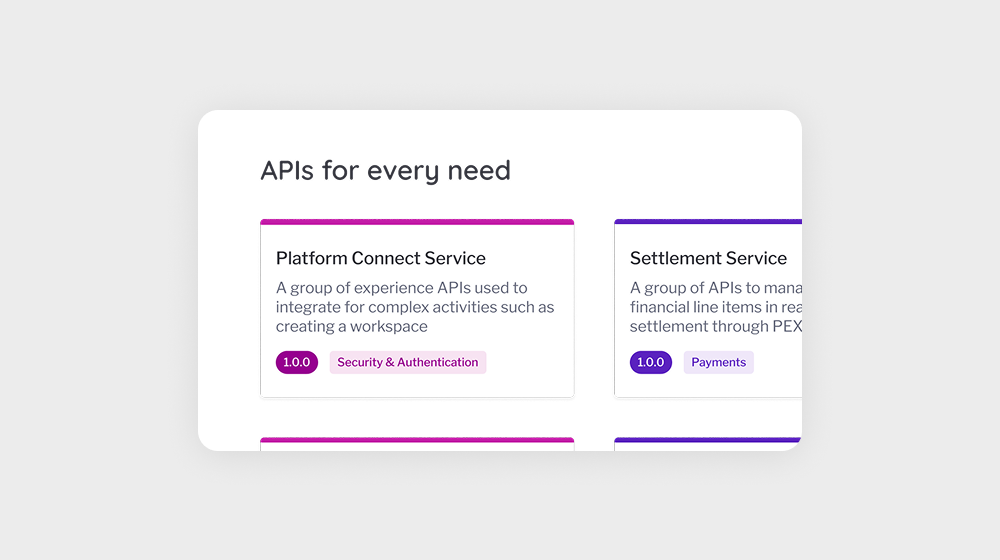
API Catalogue & Open testing
Public APIs with mock-call capabilities and hidden offerings for private users with a login.
User managementFeature
Problem
Managing user roles and permissions on the PEXA platform was a manual, time-consuming process requiring customer support intervention. Member users were unable to self-serve, leading to delays, inefficiencies, and frustration.
Solution
Introduced a self-service user management portal, enabling users to assign and modify roles independently while maintaining security and compliance.
Results
Reduced user management-related support tickets by ~50%.
Users Tab
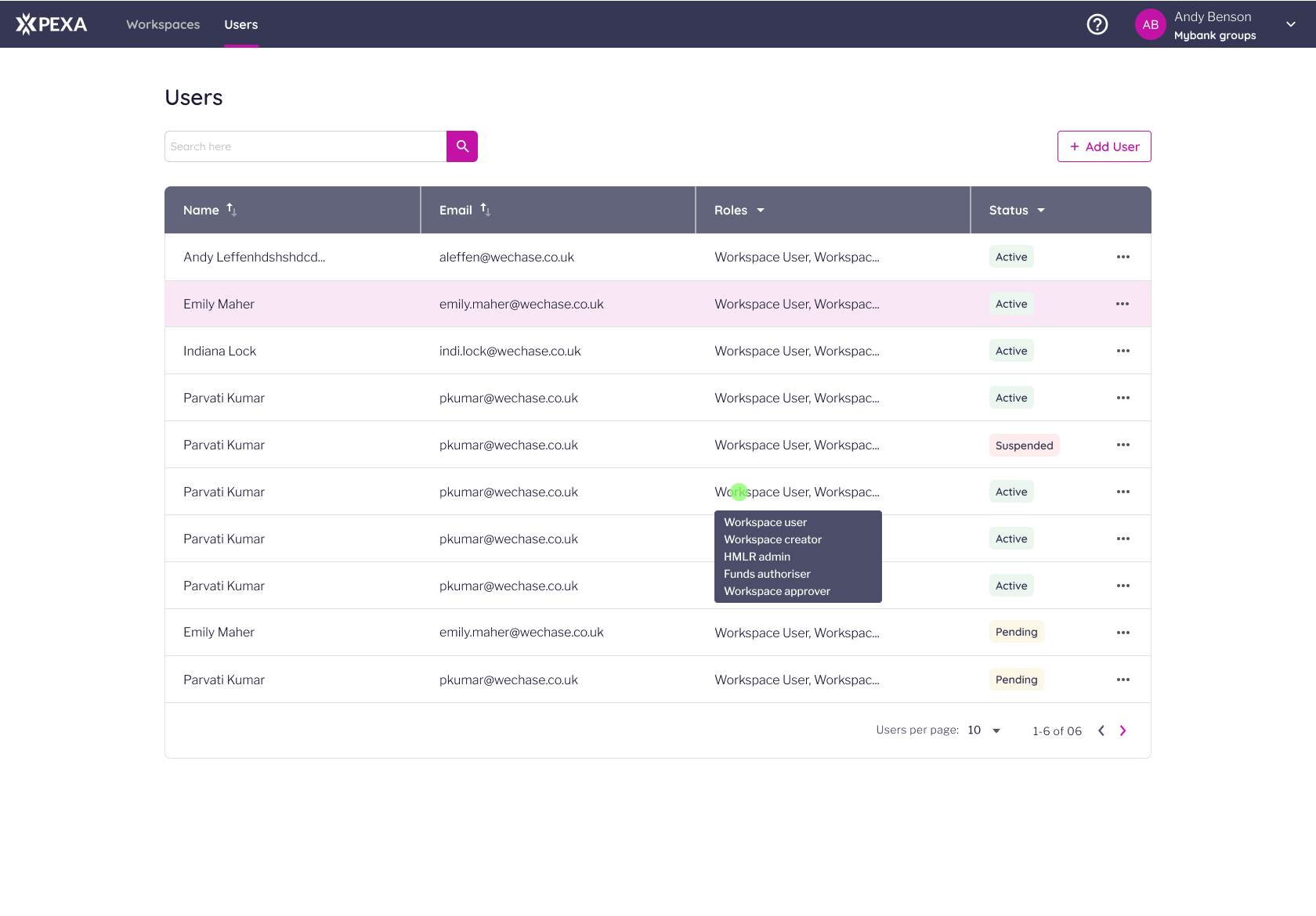
User management functions (add, edit, suspend, unsuspend) are accessed via the 'Users' Tab on the PEXA Platform for admin users with the user management permission.
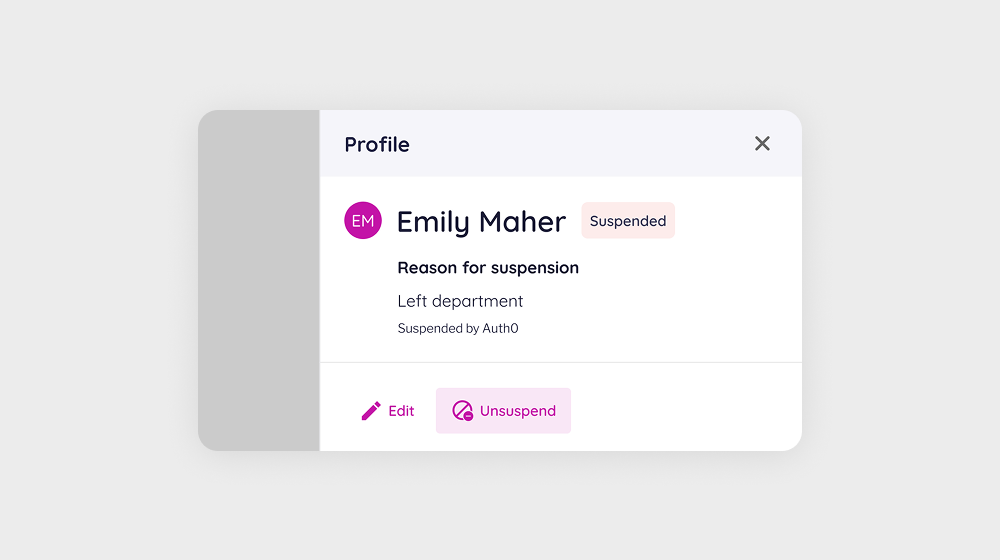
User Profiles
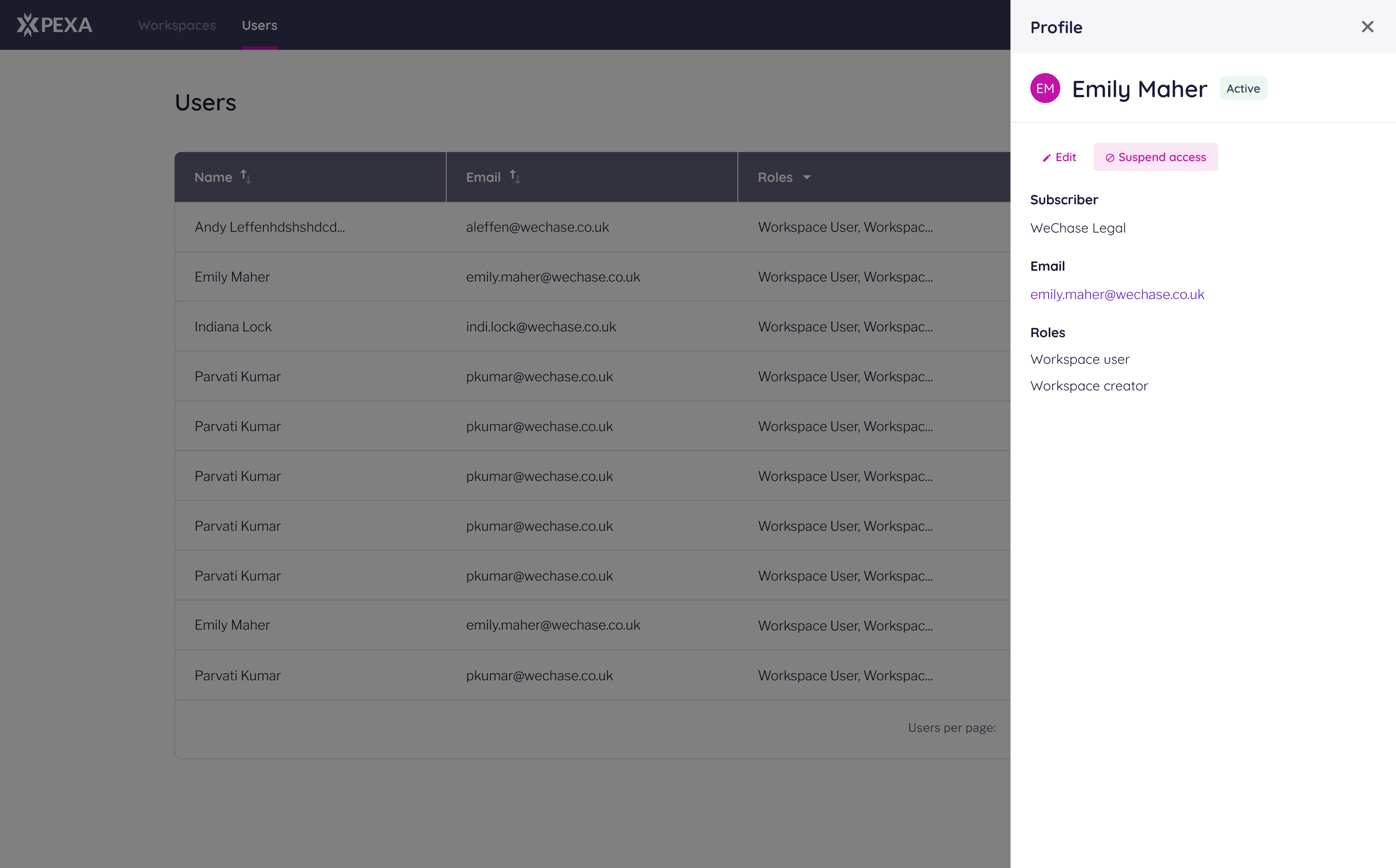
Management functions can be executed from here aswell.
Design SystemUI Components & Documentation
Problem
The legacy design system was inconsistent and misaligned, with redesigned components and new usage logic not reflected across older parts of the product, causing confusion and inefficiencies.
Solution
Rebuilt the design system from scratch with standardized Figma components and usage documentation. Below are 2 examples.
Results
Workflows from wireframes to build-ready designs were streamlined, reducing wireframing time by ~80% and saving thousands of design and development hours within the first two months.
Error pages
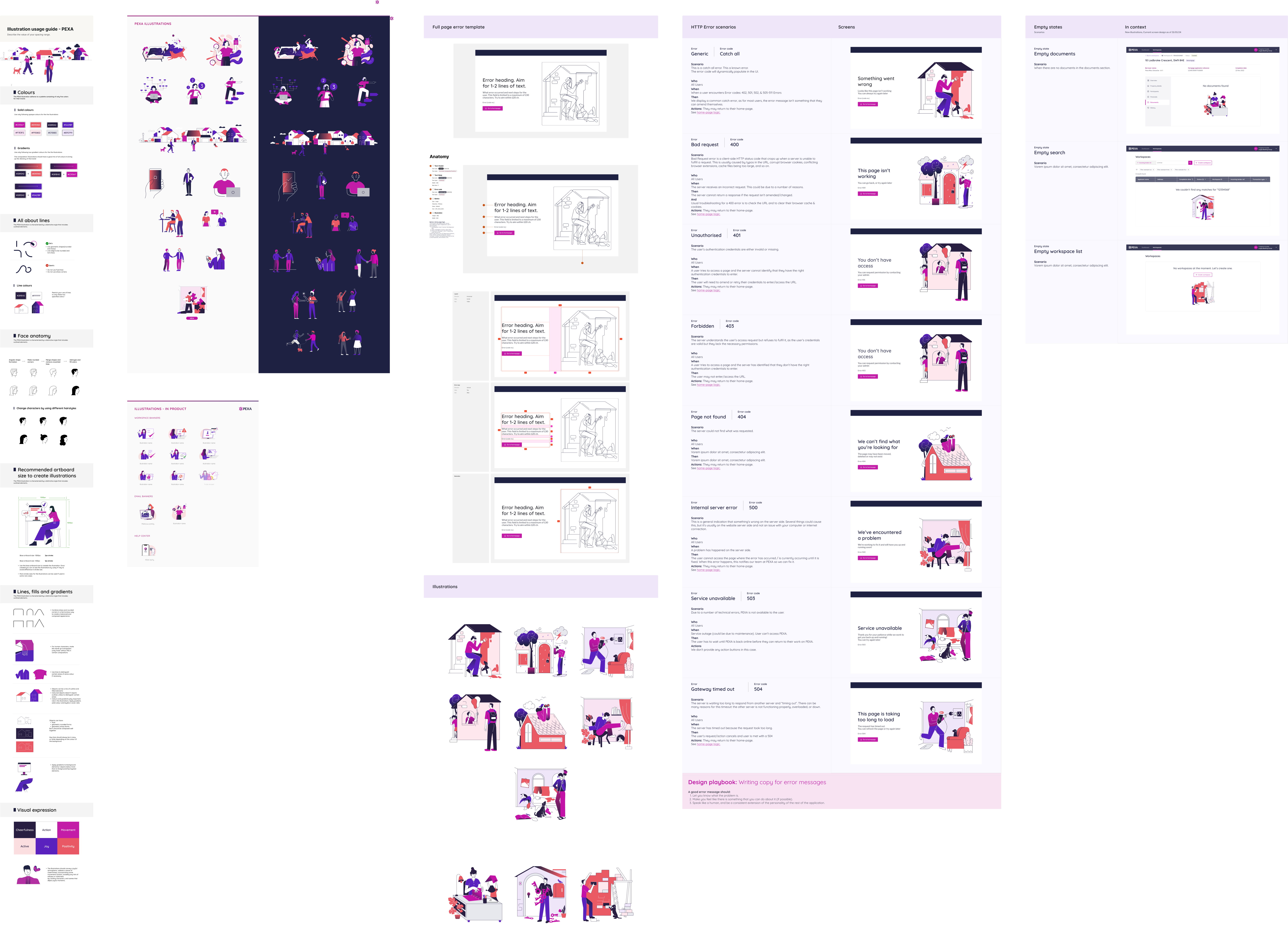
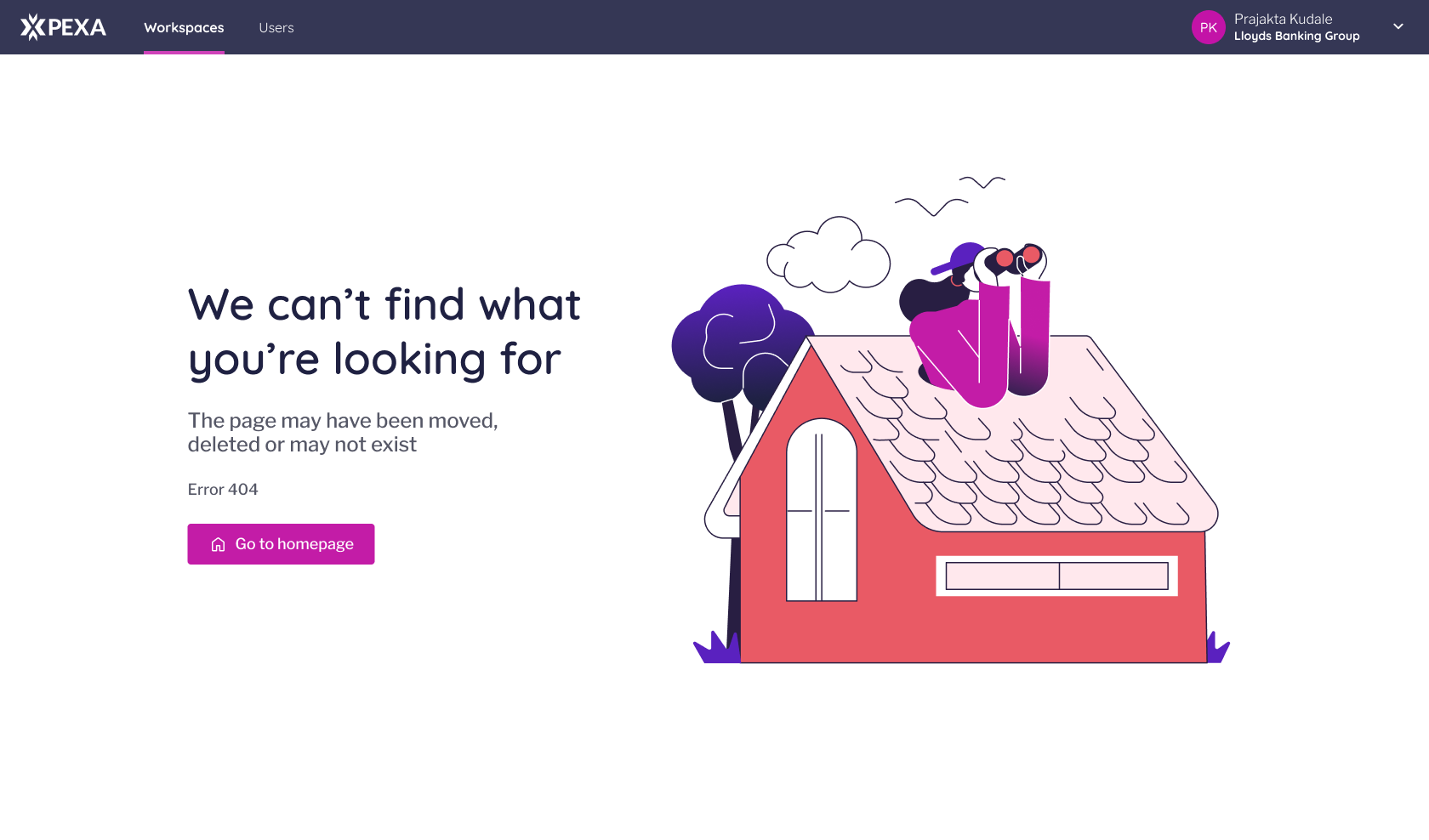
Custom visuals and copy for each error code keep users informed, provide clear feedback, and offer paths to recover or resolve issues. Covers common web error codes.
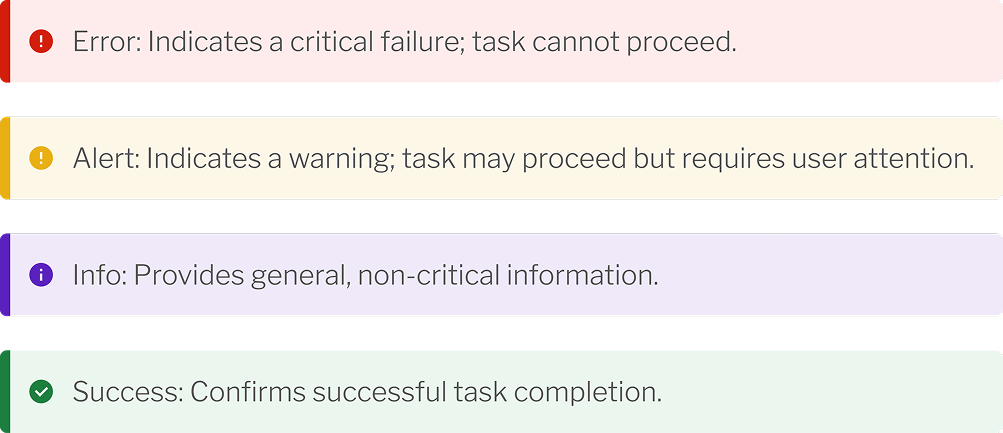
Snackbars
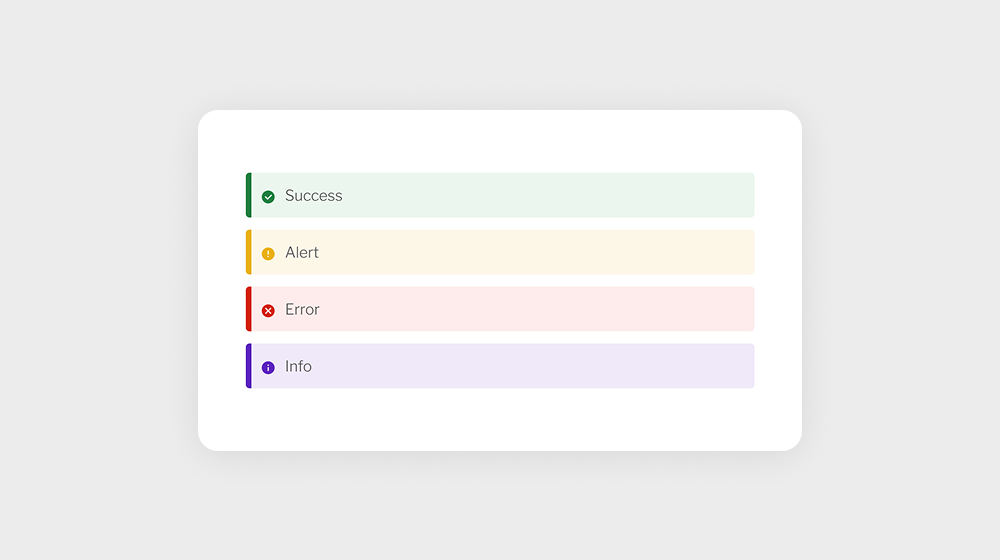
Logic for snackbars to provide timely, contextual feedback to users in relevant scenarios.
+ Design PrinciplesArtefact
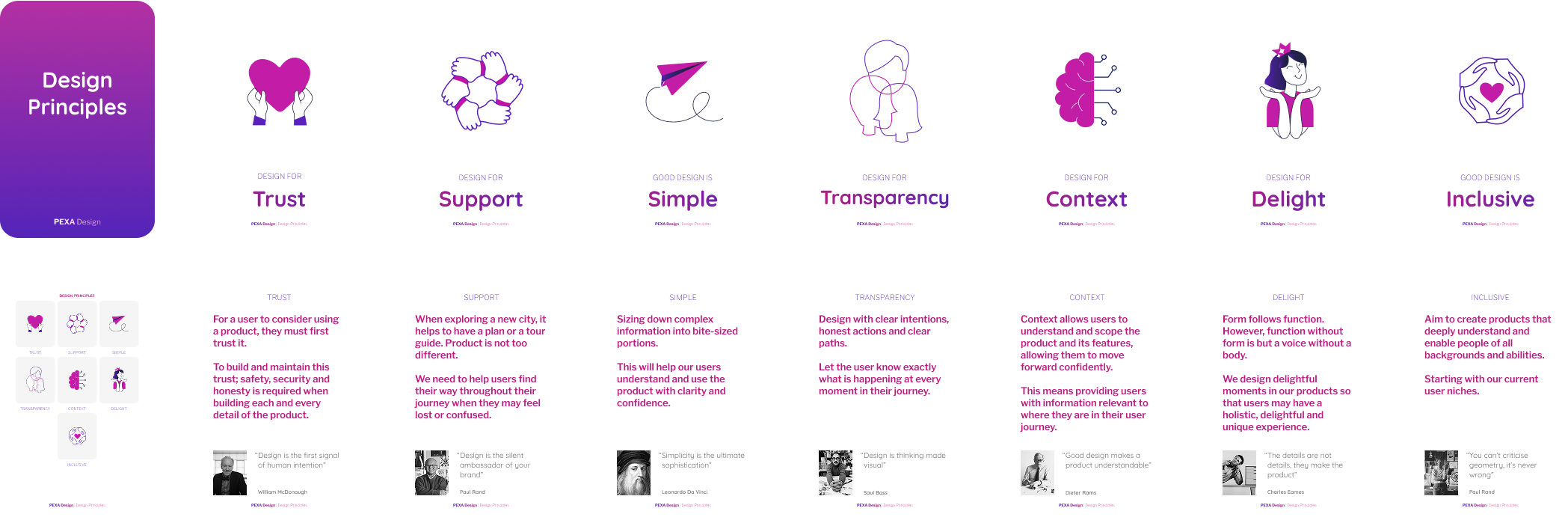
Design Principles
An artefact supporting the design team’s entry into platform product triage. Produced as printed flash cards for quick, informal reference—helping non-design teams build familiarity with core principles over time.
+ Web ElementsArtefact
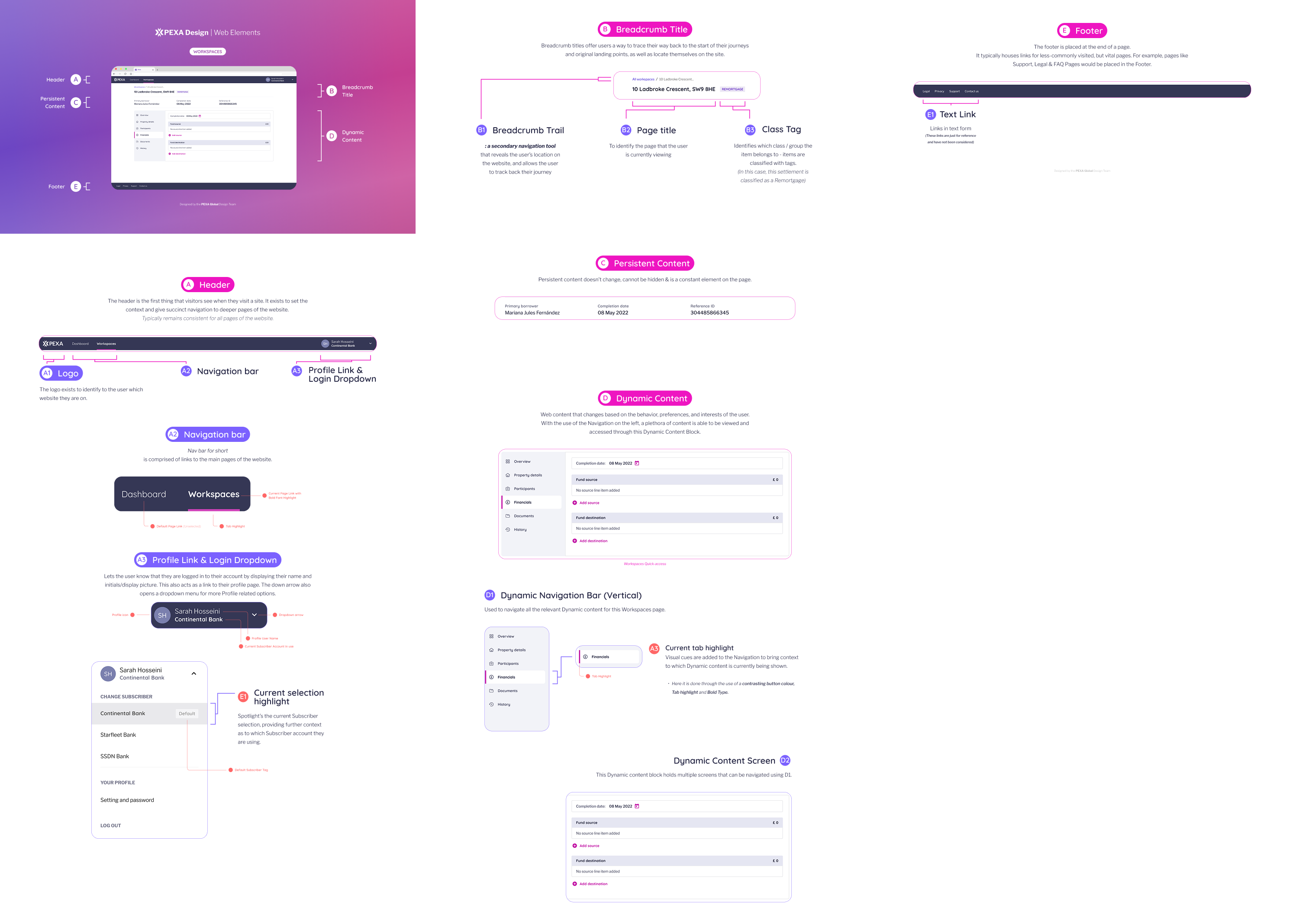
Design Infographics for internal use
This piece breaks down the anatomy of platform UI screens, outlining key components, their purpose, and when to use them—helping non-UX teams better understand how screens are constructed.
Email design Templates
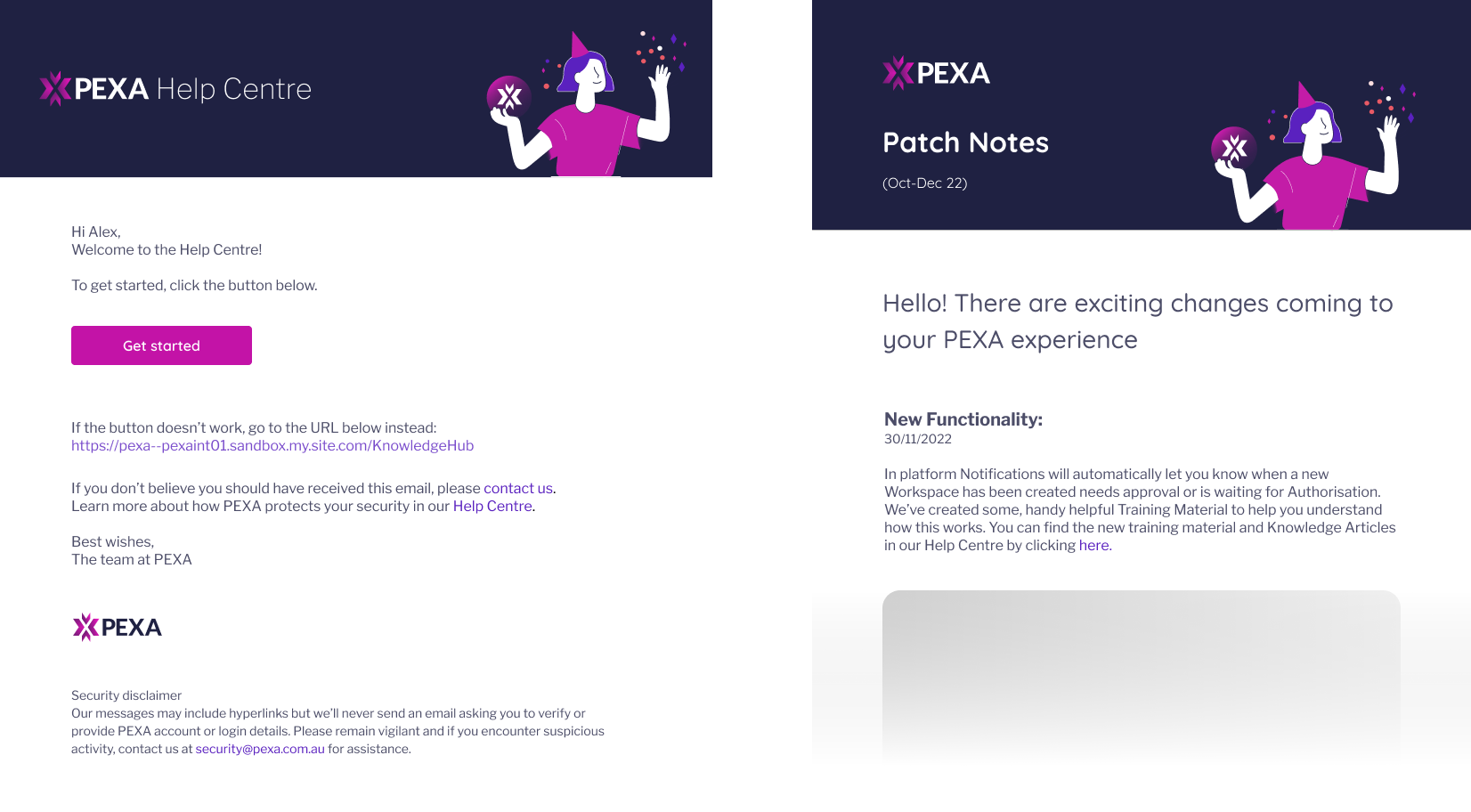
Email design
Customer-facing email communications for the PEXA Platform and Help centre using an out-of-box solution with limited customisation capability.